Your next meeting, in reach.
Connect Google Calendar or your Windows calendars. See upcoming events, get meeting reminders, and jump into a call without hunting for the link.
Your day, a little more connected
Less switching. More doing. Islet brings the things you reach for into one quiet, expandable hub at the top of your Windows screen.
Made for Windows · Developed by NextWinDev
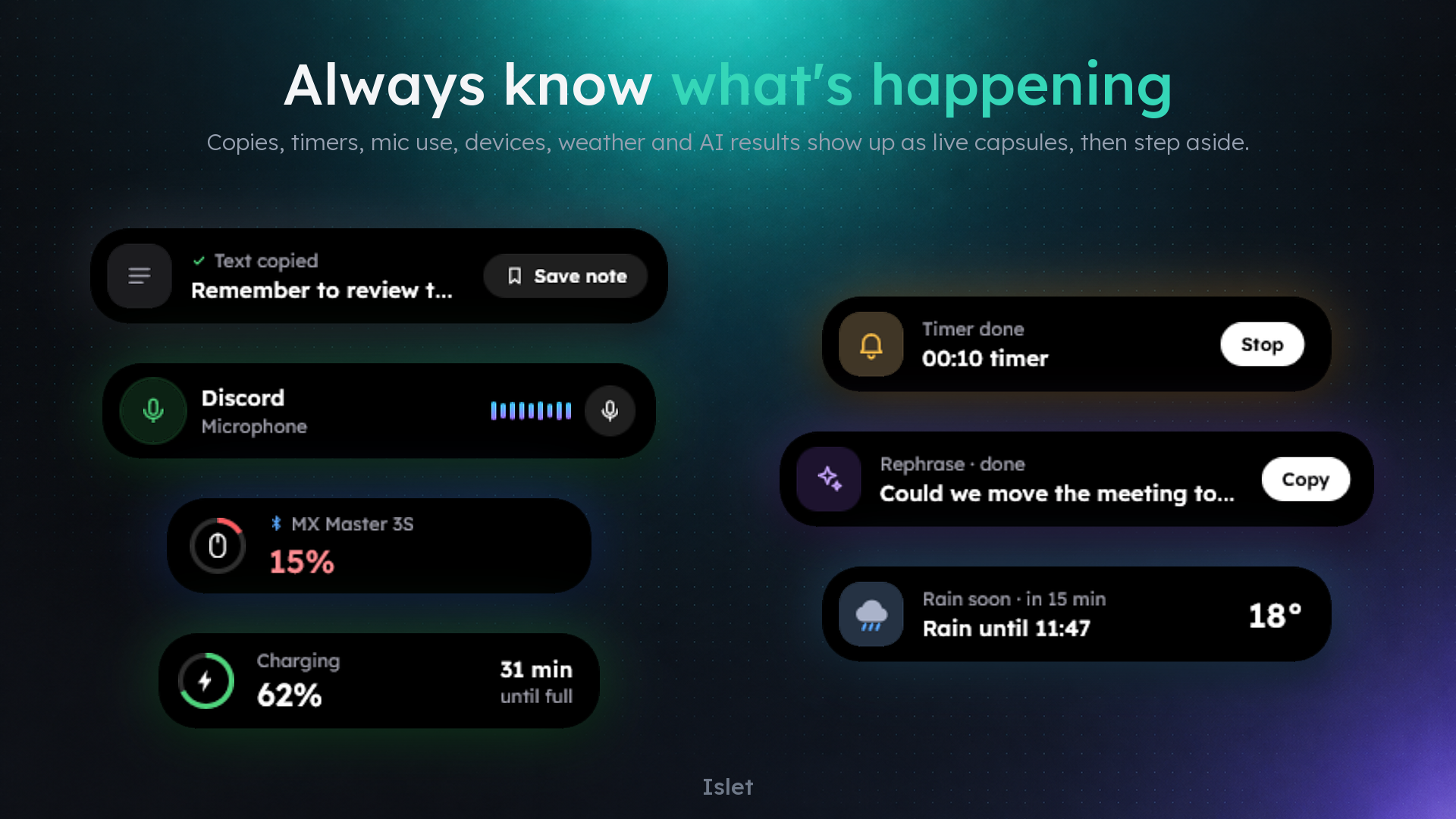
Small footprint. Everyday superpowers.
A slim capsule when you’re focused. A useful little hub when you need it. Choose the sections that fit your day.
Connect Google Calendar or your Windows calendars. See upcoming events, get meeting reminders, and jump into a call without hunting for the link.
Find text, links, and images in clipboard history. Turn a useful snippet into a note, or drop files onto the shelf for later.
Rewrite, shorten, fix, or translate selected text with AI. Circle an area of your screen to ask about it, or open a quick chat.
Start a countdown, run a focus session, or keep a stopwatch close. Activity capsules give you a quick update, then step aside.
Control media, adjust volume and brightness, check Bluetooth battery levels, and launch your favorite apps, files, and websites.
Pick your sections, order, size, and font. Islet stays out of full-screen games and videos, with support for 10 interface languages.
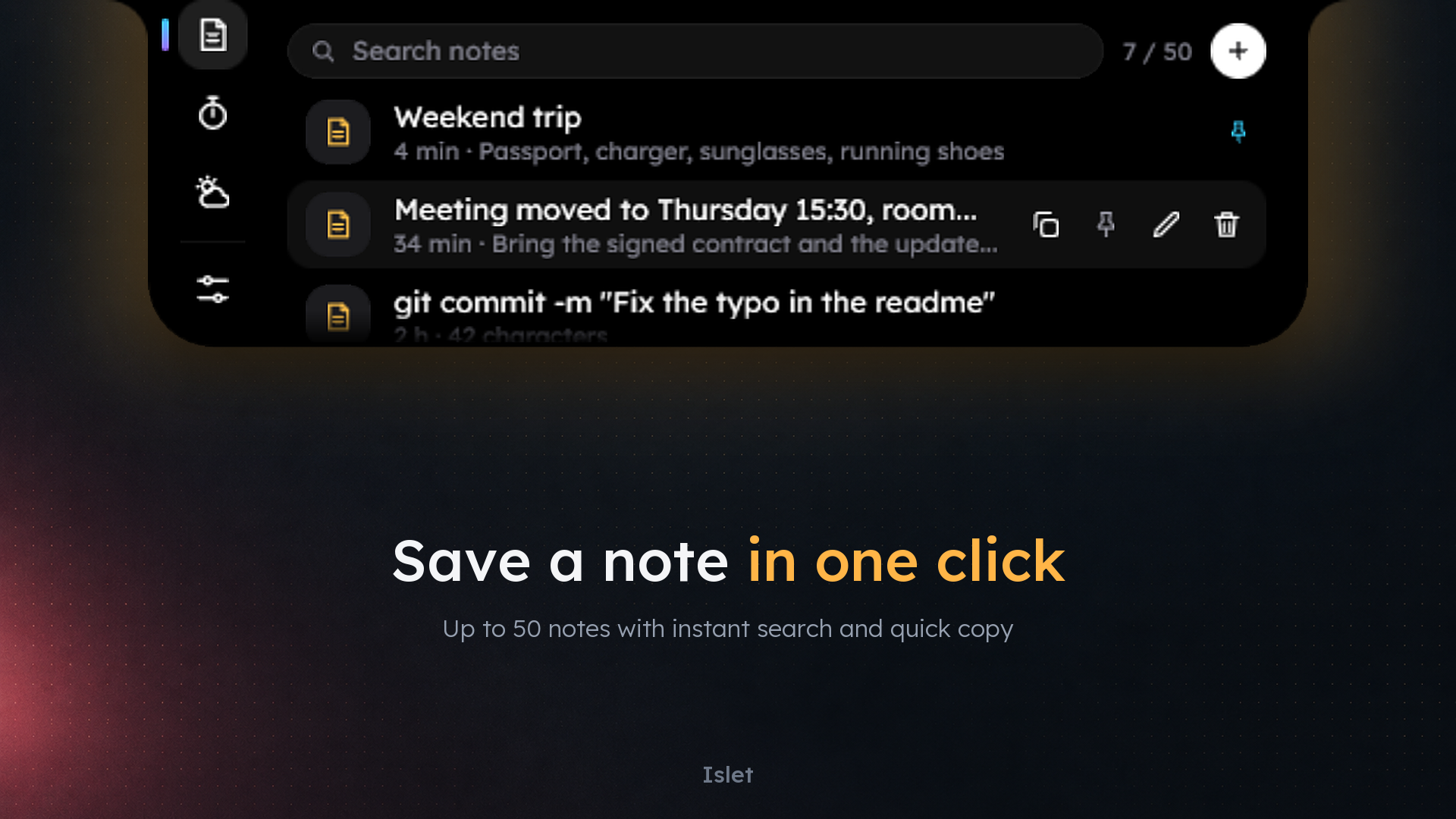
A thoughtful place for your day
You don’t need to move your work into Islet. Bring up what you need, take a quick action, and get back to the app you were already using.
Clipboard history, notes, and shelf data stay on your device. Connected features such as Calendar, weather, and AI use online services as described in our privacy policy.
See how your data is handledA few useful answers
No. Google Calendar is optional. Connect an account only if you want to use its calendars in Islet. Other sections do not require Google Calendar access.
AI actions send the selected text, chat content, or screen area you choose to submit when you run an AI feature. Clipboard history is stored locally; it is not automatically submitted to AI.
Use Microsoft account services and subscriptions. The Store purchase screen sets out the price, billing period, and any trial or renewal terms.
Made by NextWinDev
Questions about Islet, your data, or a purchase? We’re a message away.